RK Phantom Login Problems: Can't Access Your Account?
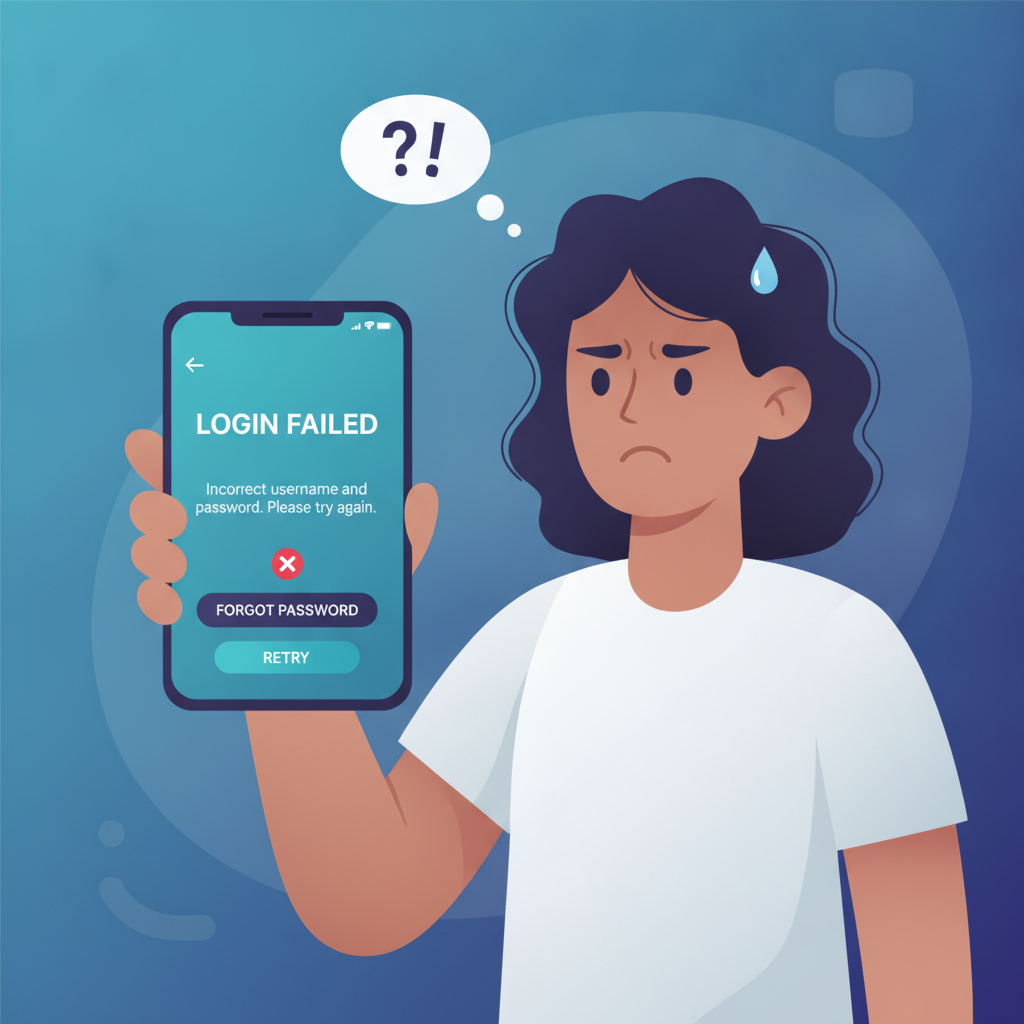
If you're getting an error when trying to log in to RK Phantom, you're not alone. Login issues happen—whether it's a forgotten password, a locked account, or a one-time PIN that never arrives. This guide walks through the most common RK Phantom login problems and how to fix them, so you can get back to your games and bets.
RK Phantom is an online casino and sportsbook serving players in the Philippines, offering slots, live dealer tables, sports betting on PBA, NBA, and volleyball, plus bingo. Most players access the platform on Android phones and fund their accounts via GCash, Maya, InstaPay, or PESONet.
This site is an independent guide. We are not affiliated with or operated by RK Phantom. Players must be 21 years or older. If gambling is affecting your finances or well-being, reach out to a responsible gambling helpline.
Forgotten Password Reset Steps
Forgetting your password is the most common login problem. Here's how to reset it on RK Phantom:
- Tap "Forgot Password?" on the login screen. You'll find this link below the password field on both the mobile app and mobile browser site.
- Enter your registered mobile number or username. Make sure you use the exact mobile number or username you provided during registration. If you're unsure which one you registered with, try your GCash or Maya linked number first—many Filipino players use the same mobile number across payment apps and casino accounts.
- Request the OTP or reset link. RK Phantom will send a one-time password (OTP) via SMS to your registered mobile number, or an email with a reset link if you registered with an email address.
- Check your messages within 10 minutes. OTPs typically expire after a short window. If the code doesn't arrive, wait a full minute before requesting another one to avoid triggering a cooldown.
- Enter the OTP and create a new password. Your new password should be at least eight characters, mixing letters, numbers, and symbols. Avoid using the same password you use for GCash, Maya, or your banking apps.
- Log in with your new password. Once reset, return to the RK Phantom login screen and enter your username or mobile number and the new password.
If the reset link or OTP never arrives, check your spam or junk folder (for email), or confirm your mobile number has signal and enough load for SMS. Some players on prepaid SIM cards report delayed OTP delivery during peak hours or in provinces with weaker cell coverage.
Account Locked or Suspended: Reasons and Next Steps
If you see a message saying your RK Phantom account is locked, suspended, or disabled, here are the usual reasons:
- Too many failed login attempts. Entering the wrong password multiple times in a row can trigger an automatic temporary lock, usually lasting 15 to 30 minutes. Wait, then try again with the correct password or use the password reset option.
- Suspicious activity or verification flag. If RK Phantom's system detects unusual login patterns—like logging in from a new device or province, or multiple IP addresses in a short time—it may lock the account pending identity verification. This is a common fraud-prevention measure.
- Incomplete or expired verification documents. Philippine online casinos require valid ID and proof of address for anti-money laundering compliance. If you skipped uploading your ID during registration, or if your documents expired, your account may be suspended until you submit updated files.
- Terms of service violation. Using multiple accounts, sharing login credentials, or attempting bonus abuse can result in a permanent ban. Chargebacks or disputes filed with GCash, Maya, or your bank can also trigger a suspension while the operator investigates.
What to do next:
- Contact RK Phantom customer support immediately. Use live chat (usually available 24/7) or email. Provide your registered mobile number and username. Do not create a new account—this can make the suspension permanent.
- Ask for the specific reason. Support will tell you whether the lock is temporary (due to failed logins) or requires document resubmission or further review.
- Submit any requested documents. If asked for ID verification, upload a clear photo of a government-issued ID (driver's license, postal ID, or passport) and a recent utility bill or bank statement showing your name and address. Files should be in JPG or PNG format, under 5 MB.
- Wait for a response. Verification reviews typically take one to three business days. During busy periods (payday weekends, major PBA or NBA games), response times can stretch longer.
If your account was permanently banned for terms violations and you believe this was a mistake, you can appeal through customer support, but outcomes vary.
Wrong Username or Mobile Number Error
Seeing "User not found" or "Invalid credentials" even though you're sure you entered the right details? Try these fixes:
- Double-check your mobile number format. RK Phantom may require the Philippine country code (+63) or the leading zero (09xx-xxx-xxxx). If you registered with +639171234567, don't log in with 09171234567—use the exact format.
- Confirm your username spelling. Usernames are case-sensitive on some platforms. If you registered as "JuanDela2024," typing "juandela2024" might not work.
- Try your email address instead. Some players register with an email rather than a mobile number. If you can't remember which you used, check your inbox for the RK Phantom welcome or verification email to confirm.
- Check if you're on the correct site or app. Make sure you downloaded the official RK Phantom APK or are visiting the legitimate URL. Phishing sites and fake apps use similar names and can cause login confusion.
If none of these work, you may have registered under a different mobile number or username than you remember. Contact support with any email or mobile number you've used in the past, plus details about your last deposit method (GCash, Maya, or bank) to help them locate your account.
Two-Factor or OTP Verification Not Arriving
RK Phantom may require a one-time password (OTP) for login, especially if you're signing in from a new device or after a password reset. If the OTP isn't reaching you:
- Confirm your mobile number is active and has signal. Expired SIM cards or numbers that haven't been used recently may no longer receive SMS.
- Wait 60 seconds before requesting another code. Requesting multiple OTPs in quick succession can delay delivery or trigger a temporary cooldown.
- Check if your SMS inbox is full. Some older Android phones limit SMS storage. Delete old messages and try again.
- Disable any SMS-blocking or spam-filter apps. Third-party security apps sometimes flag casino or financial OTPs as spam.
- Switch from SMS to email OTP, if available. Some platforms let you choose whether you want the code sent via text or email. Check the login screen for a toggle option.
- Try a different network or Wi-Fi. Occasionally, network congestion or carrier filtering can delay SMS delivery, especially on prepaid plans during peak hours in Metro Manila.
- Contact customer support. If OTPs consistently fail to arrive, support can manually verify your identity and enable your login, or update your registered mobile number if it has changed.
Remember, OTPs usually expire within 5 to 10 minutes. Enter the code as soon as it arrives.
21+ Only, Responsible Gambling Reminder
RK Phantom is intended for players aged 21 and older. Online gambling should be a form of entertainment, not a way to make money or solve financial problems.
Set deposit limits through your GCash, Maya, or bank app if you find yourself spending more than your PHP 100–500 typical range. Many Filipino players set weekly budgets and stick to them by scheduling deposits only on payday.
If gambling is causing stress, relationship problems, or money troubles, reach out to a responsible gambling helpline or take a break from your account. RK Phantom offers self-exclusion and cooling-off options through customer support—ask about temporary or permanent account locks if you need time away.
Play responsibly, and never gamble with money you can't afford to lose.
Final Checklist: Getting Back Into Your Account
- Forgotten password? Use the "Forgot Password?" link and follow the OTP or email reset process.
- Account locked after too many tries? Wait 15–30 minutes, then try again or reset your password.
- Account suspended or disabled? Contact support immediately with your mobile number and username. Submit any requested verification documents.
- Wrong username or number error? Verify your mobile format, try your email, and confirm you're on the official RK Phantom platform.
- OTP not arriving? Check your signal, wait between requests, clear your SMS inbox, and contact support if the problem persists.
Most RK Phantom login problems can be resolved in a few minutes with the right steps. If you're still stuck after trying these fixes, live chat or email support is your fastest route to a solution.
Remember: This is an independent guide site. For account-specific help, always contact RK Phantom customer support directly. Players must be 21+. Gamble responsibly.