RK Phantom Account Verification: ID, Selfie, and Address Proof
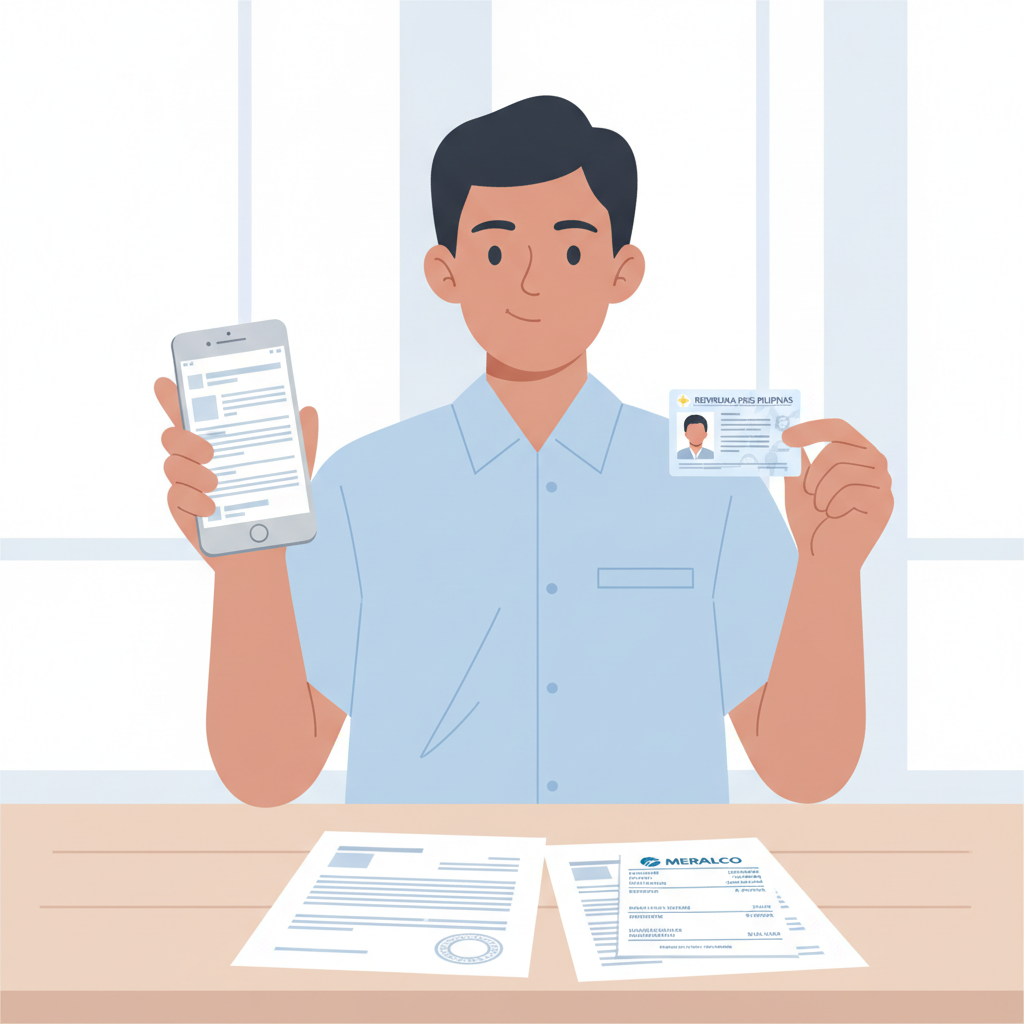
Why RK Phantom Requires Verification Before First Withdrawal
RK Phantom asks players to verify their identity before processing the first cashout request. This step confirms that the account holder is over 21 years old, matches the name on the payment method, and resides in an area where the platform operates.
Verification also helps prevent unauthorized access to your account. If someone else tries to withdraw your winnings using a different GCash, Maya, or bank account, the mismatch will be flagged during the document review.
Most players submit their documents after requesting their first withdrawal. The platform will pause the cashout until the verification process completes. To avoid delays, some users upload their ID and address proof immediately after registration, even before making a deposit.
Accepted ID Documents for RK Phantom
RK Phantom accepts three primary forms of government-issued identification. Each document must be valid (not expired) and show your full name, date of birth, and photograph.
Philippine Driver's License
Both the card format and the older paper license with lamination are accepted. Make sure the license has not expired. If your license shows a different address than your current residence, you will need to provide a separate address proof document.
Philippine Passport
The bio-data page (the page with your photo and personal details) is the required upload. Check that your passport has not passed its expiration date. If you recently renewed your passport and the old one is expired, use the new passport only.
Philippine National ID (PhilSys)
The new national ID card issued by the Philippine Statistics Authority is accepted. Both the front and back may be requested, depending on the information visible on each side. As with other IDs, ensure it has not expired.
Some players ask whether a Postal ID, UMID, SSS ID, or company ID will work. RK Phantom's verification team typically prioritizes the three documents listed above. If you do not have any of these, contact RK Phantom support through live chat or email to ask which alternative documents may be accepted on a case-by-case basis.
Uploading Clear Photos: Selfie and Address Proof Tips
Poor image quality is the most common reason for verification delays or rejections. Follow these tips to ensure your documents are approved on the first submission.
ID Photo Requirements
- Use good lighting. Natural daylight or a bright room works best. Avoid shadows across the ID.
- Lay the ID flat. Place it on a solid-colored surface—white or a plain table works well.
- Capture all four corners. The entire ID must be visible in the frame. Do not crop edges.
- Keep text readable. Zoom in on your photo after taking it. Your name, date of birth, ID number, and expiration date must be sharp and legible.
- Avoid glare. If your ID is laminated, tilt it slightly to reduce reflections from overhead lights.
- No screenshots. Upload the original photo file. Screenshots often reduce quality and may be rejected.
Most Android phones have sufficient camera resolution for ID uploads. If your phone's camera struggles in low light, try placing the ID near a window during the day.
Selfie With ID
RK Phantom may ask for a selfie in which you hold your ID next to your face. This confirms that the person in the photo on the ID matches the account holder.
- Hold the ID beside your face. Your face and the ID photo should both be clearly visible in the same frame.
- Ensure your face is well-lit. Avoid backlighting (such as standing in front of a window), which can make your face too dark.
- Keep the camera steady. Blurry selfies are a common rejection reason. Use both hands or prop your phone against something stable.
- No filters or edits. Submit the photo as taken. Do not apply beauty filters, crop your face, or adjust colors.
Some platforms ask you to write the current date or a reference number on a piece of paper and hold it in the selfie. Check the instructions in your RK Phantom account dashboard or email to see if this applies.
Address Proof Requirements
RK Phantom asks for proof of your residential address to confirm the location details you entered during registration. Accepted documents usually include:
- Utility bill (electricity, water, internet, landline) issued within the last three months
- Bank statement dated within the last three months
- Government-issued document showing your current address, such as a barangay certificate or community tax certificate
The address proof must match the address on file in your RK Phantom account. If you listed Metro Manila but your utility bill shows a provincial address, the verification team will flag the inconsistency.
When photographing a paper bill or statement:
- Lay it flat and capture the entire page, including the header with the issuer's logo.
- Make sure the date, your name, and your address are legible. These are the three pieces of information the team will check.
- Use the same lighting tips as for your ID photo.
If you pay utilities through a family member's account and the bill is not in your name, ask RK Phantom support whether a barangay certificate or other government document can substitute.
How Long Verification Takes and What to Do If Documents Are Rejected
Typical Processing Time
After you submit your documents through the RK Phantom account dashboard or email, the verification team usually reviews them within 24 to 48 hours. During busy periods—such as weekends or after a major sports event when many players request withdrawals—the process may extend to 72 hours.
You will receive an email or account notification when verification is complete. If your documents are approved, any pending RK Phantom withdrawal requests will proceed to the payment stage. GCash and Maya cashouts often arrive within a few hours after approval; InstaPay bank transfers usually complete the same day, while PESONet may take one business day.
Reasons for Rejection
If the verification team cannot approve your documents, you will receive a message explaining the issue. Common rejection reasons include:
- Blurry or low-resolution images. Retake the photo in better lighting or with a steadier hand.
- Expired ID. Renew your ID and submit the new document.
- Partial ID visible. The entire ID must be in the frame, including all four corners.
- Name mismatch. The name on your ID must exactly match the name on your RK Phantom account and your GCash, Maya, or bank account.
- Address mismatch. The address on your utility bill or bank statement must match the address you entered during registration.
- Document not accepted. If you submitted a Postal ID or company ID, switch to a driver's license, passport, or national ID.
Steps to Take After Rejection
- Read the rejection message carefully. It will specify which document was rejected and why.
- Correct the issue. Retake the photo, renew an expired ID, or provide a different document.
- Resubmit through your account dashboard. Some platforms let you upload new documents immediately; others ask you to reply to the verification email.
- Contact support if unclear. If the rejection reason is not obvious, use RK Phantom live chat or email support. Provide your account username and ask for clarification.
Do not submit the same rejected photo again. The verification team will reject it a second time, adding further delay to your RK Phantom cashout.
What Happens If You Never Verify
If you do not complete verification, RK Phantom will not process any withdrawal requests. Deposits and gameplay are usually unaffected, but your winnings will remain locked in your account until you submit valid documents.
Some players worry that verification is optional or that they can skip it by keeping their balance below a certain threshold. RK Phantom applies verification to all players before the first cashout, regardless of the amount.
21+ Only and Responsible Gambling Reminder
RK Phantom is available only to players aged 21 and over. Verification helps enforce this age restriction by requiring a government-issued ID that displays your date of birth.
Online casino games, sports betting, and bingo are forms of entertainment that carry financial risk. Set a deposit limit you can afford, and never chase losses by depositing more than planned. If you feel that gambling is becoming a problem, seek help from a qualified organization or use RK Phantom's self-exclusion and deposit-limit tools.
Summary: Submit a valid Philippine driver's license, passport, or national ID along with a recent utility bill or bank statement to verify your RK Phantom account. Use clear, well-lit photos that show all four corners of each document and ensure your name and address match across all records. Verification typically completes within 24 to 48 hours. If documents are rejected, correct the issue and resubmit. Only players 21 and older may use RK Phantom, and verification is mandatory before your first withdrawal to GCash, Maya, InstaPay, or PESONet.